

amiibo Fortune

Yoshi and the Mysterious Book amiibo Guide

Use amiibo Fortune to receive a daily fortune from Mr. E, earn in-game tokens, and unlock helpful hints for discoveries.

amiibo FortuneDaily scanHint tokens

Quick Facts

Feature
amiibo Fortune
Confirmed amiibo
Yoshi, Poochy, Bowser Jr.
Limit
Once per day
Reward
In-game tokens
Used for
Discovery hints
Menu path
Main Menu → amiibo Fortune

How to use amiibo

  1. Start Yoshi and the Mysterious Book from the HOME Menu.
  2. Press the A Button on the title screen.
  3. Select your user.
  4. Press the + Button to open the Main Menu.
  5. Select amiibo Fortune.
  6. Touch a compatible amiibo to the NFC touchpoint.
  7. Mr. E will read your fortune and give you some tokens.

Compatible amiibo

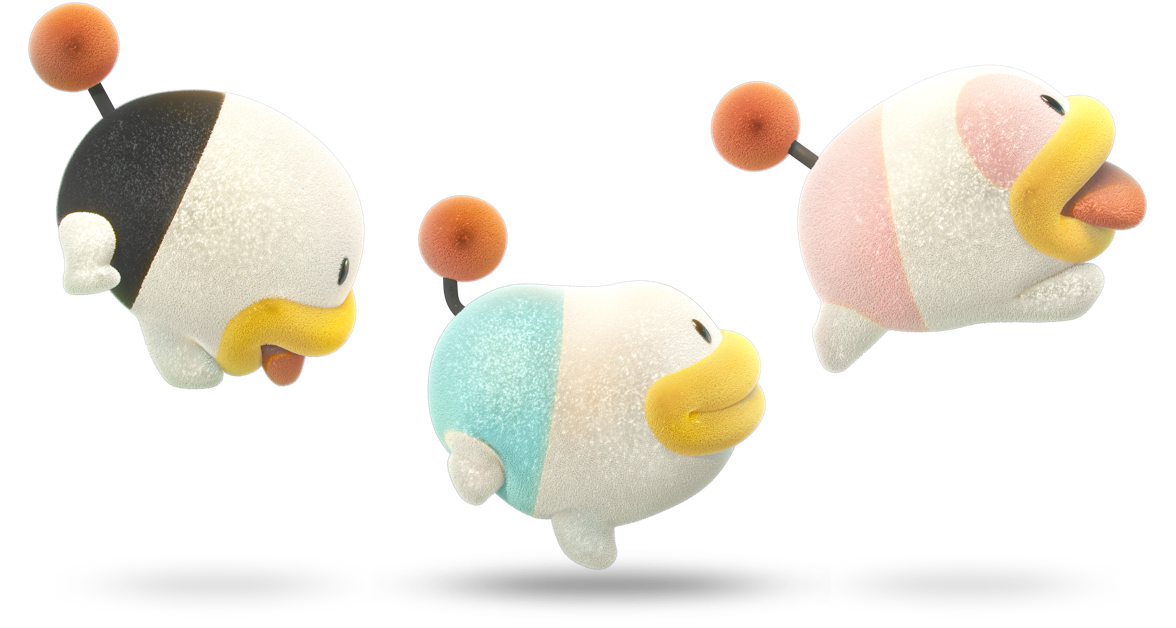
Yoshi and the Mysterious Book supports compatible Yoshi, Poochy, and Bowser Jr. amiibo figures for amiibo Fortune. Other amiibo should not be listed as confirmed unless they are verified in-game or by an official source.

Yoshi amiibo artwork

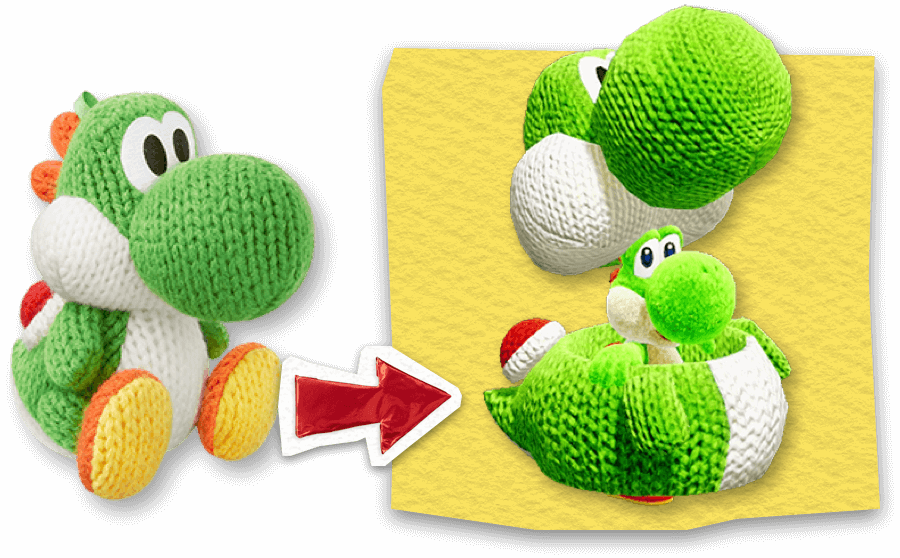
Yoshi amiibo

Confirmed compatible group for amiibo Fortune.

Poochy amiibo artwork

Poochy amiibo

Confirmed compatible group for amiibo Fortune.

Bowser Jr. amiibo artwork

Bowser Jr. amiibo

Confirmed compatible group for amiibo Fortune.

What do amiibo rewards do?

Scanning a compatible amiibo gives you in-game tokens based on your fortune. These tokens can be used to unlock hints about discoveries, making amiibo Fortune useful for completion-focused players.

Yoshi and the Mysterious Book amiibo FAQ

Yes. Yoshi and the Mysterious Book supports amiibo through the amiibo Fortune feature. You can scan a compatible amiibo once per day to have your fortune read by Mr. E and receive in-game tokens.